
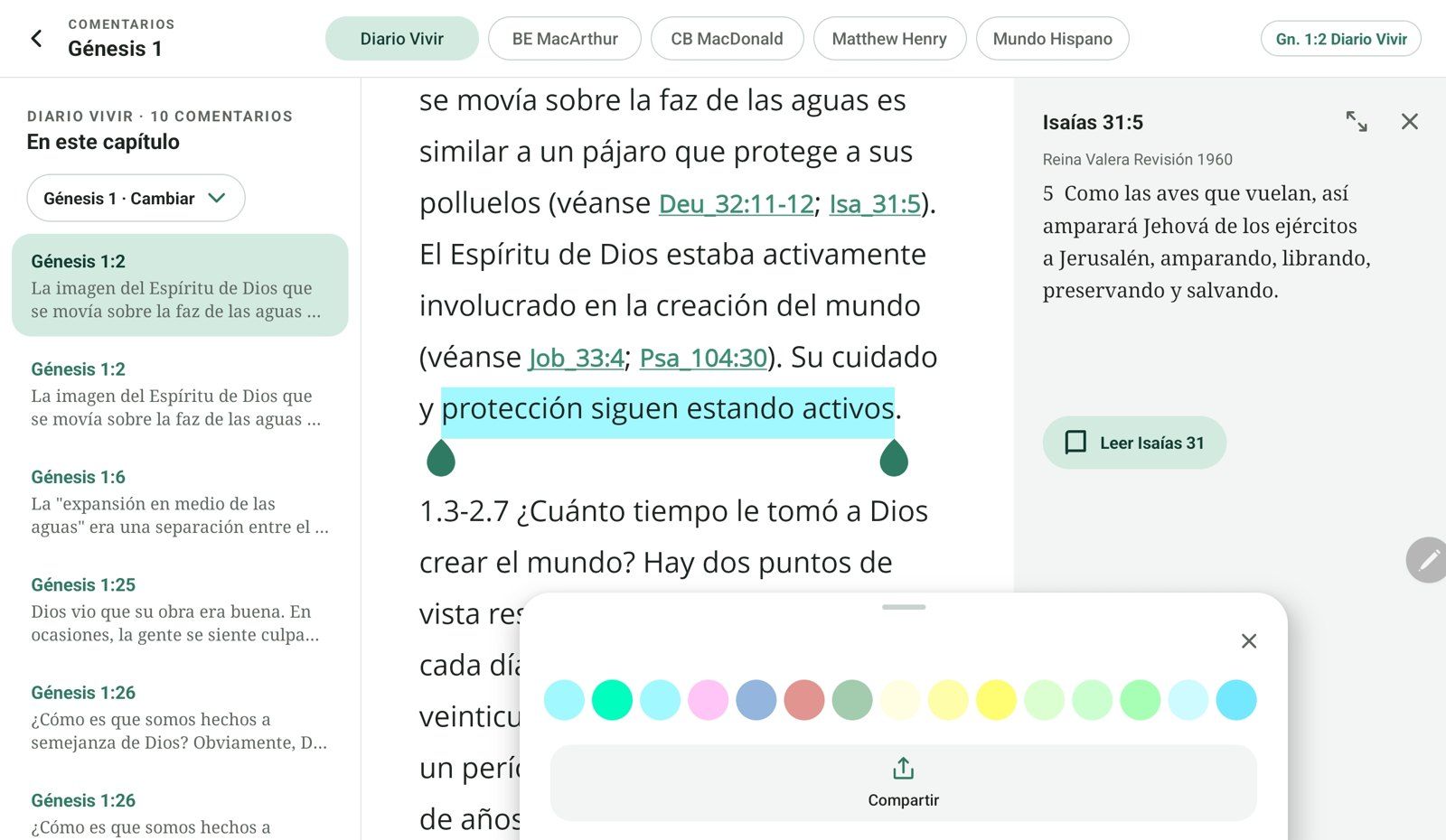
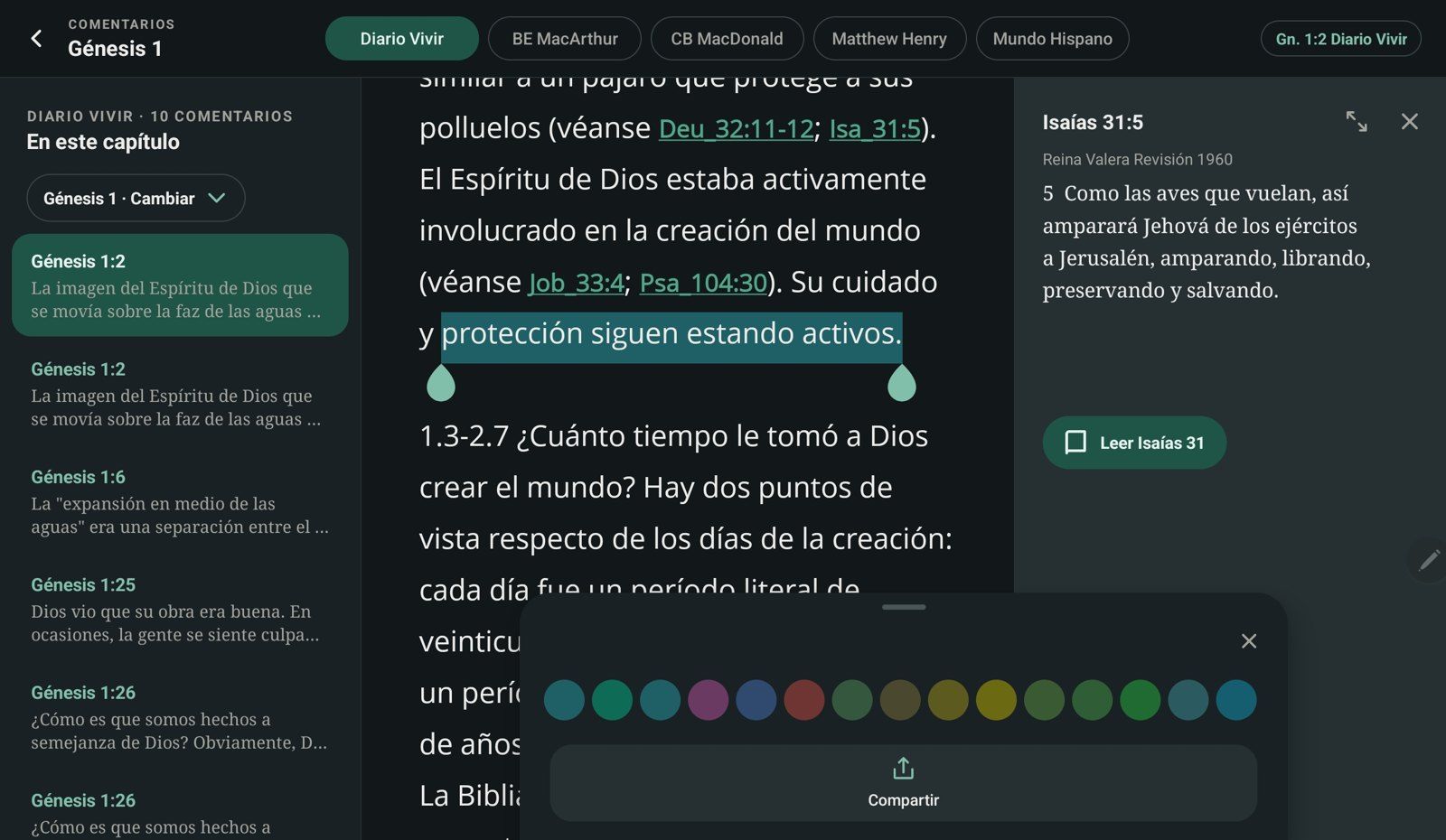
Commentaries in three columns
The chapter's list of commentaries, the full text and the quoted passage, all open at the same time.
Free · No ads · No account
Read in parallel, open the commentary of every verse and listen to it aloud. For calm, deep study on your phone or tablet, even offline.
 Android · phone and tablet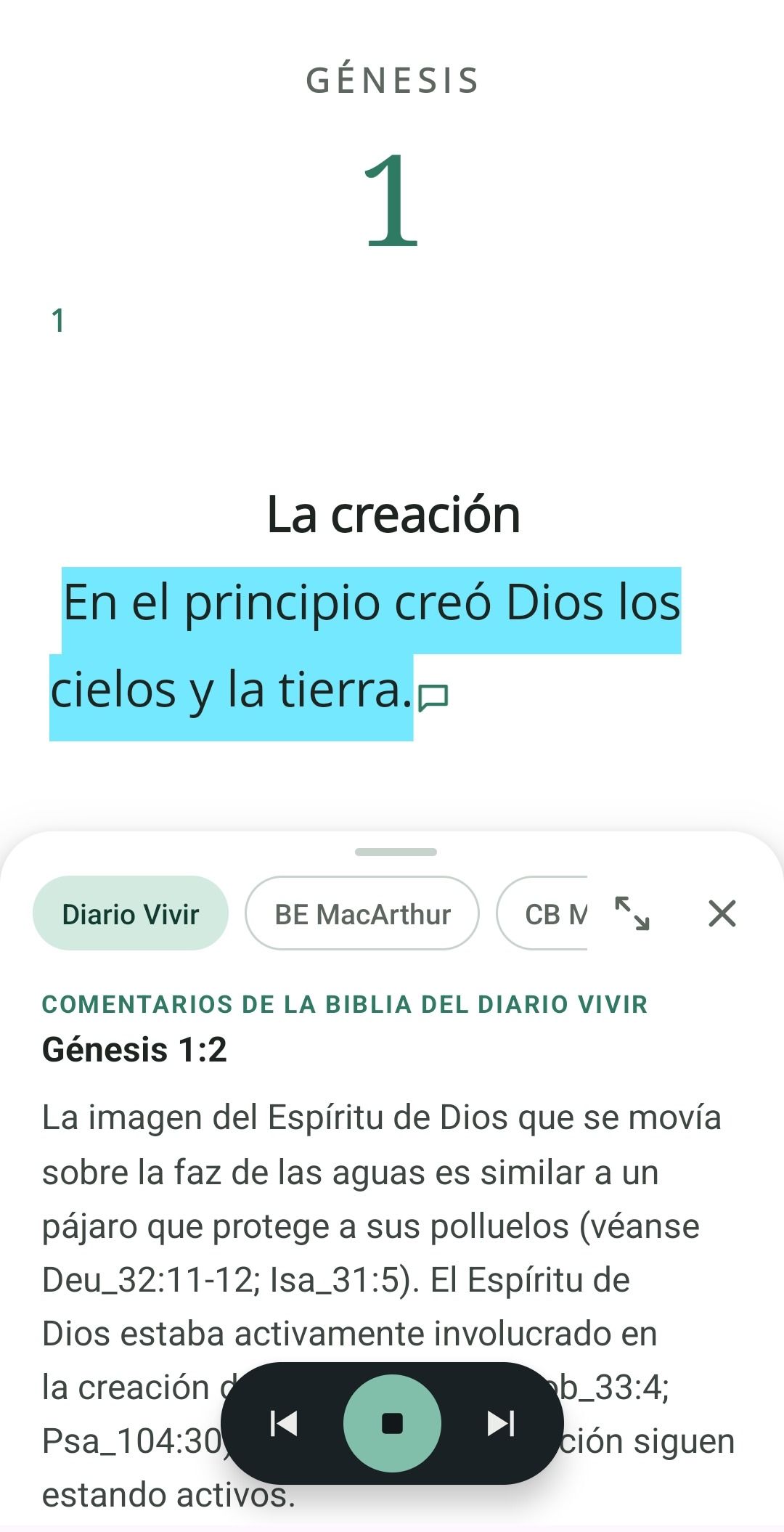
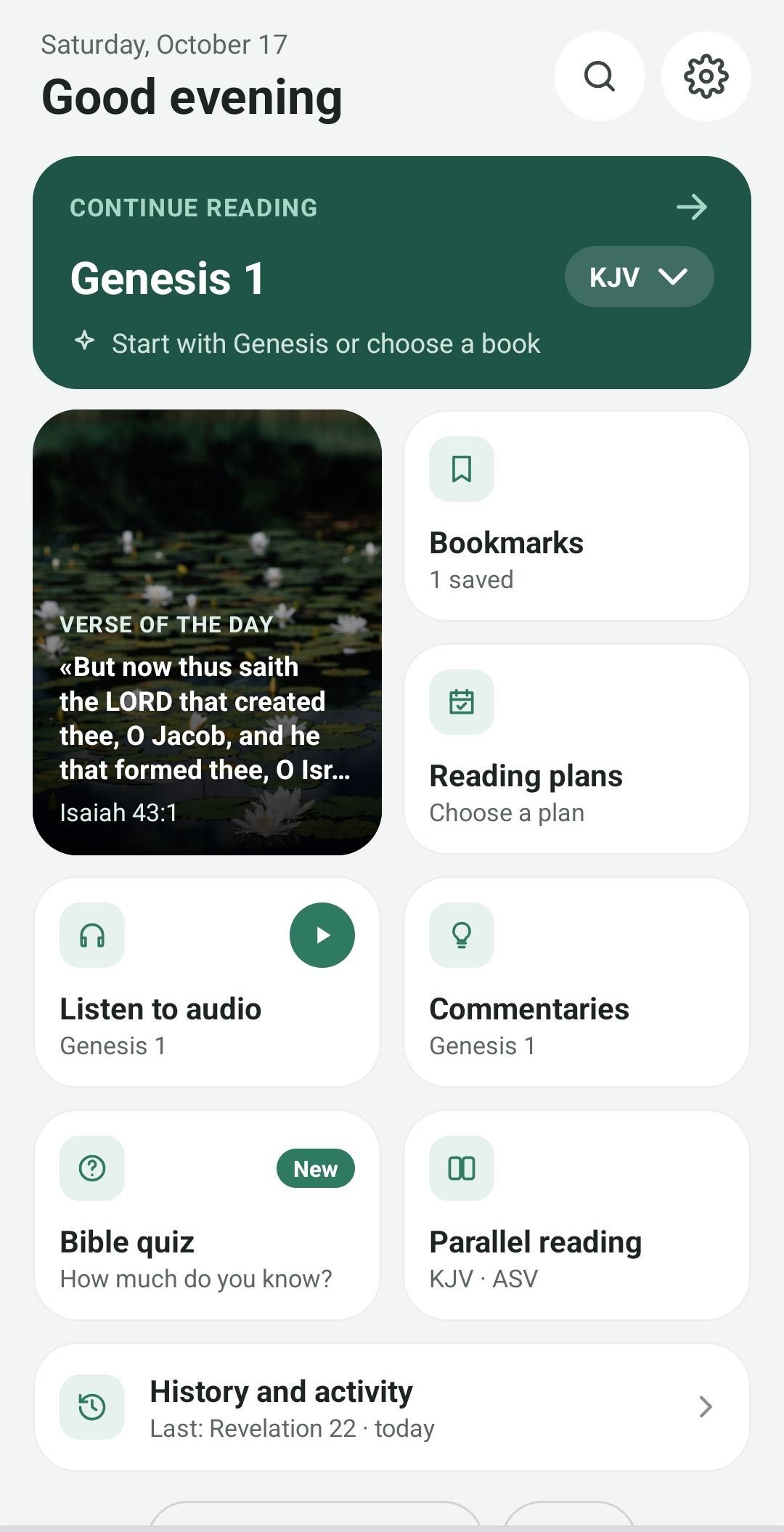
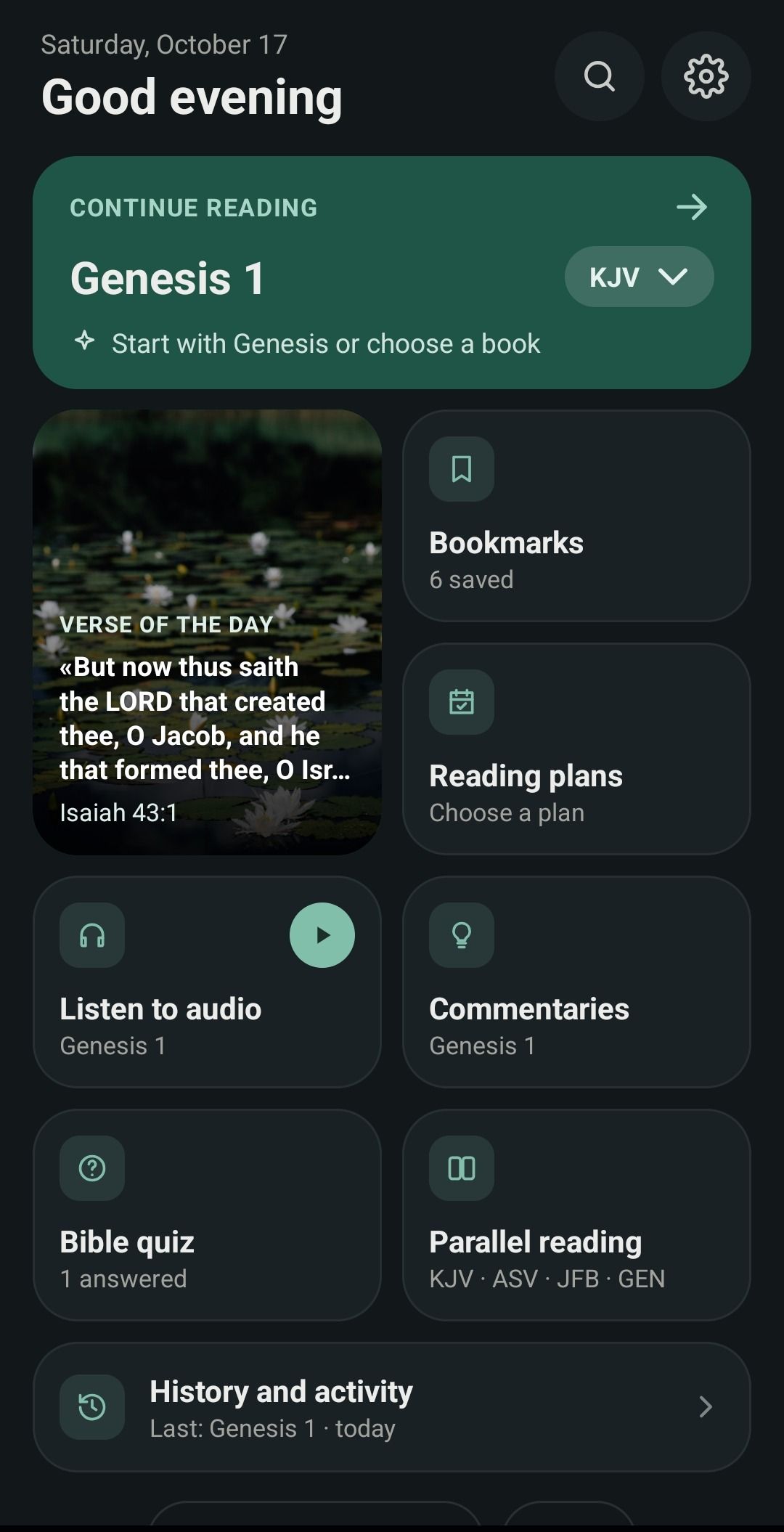
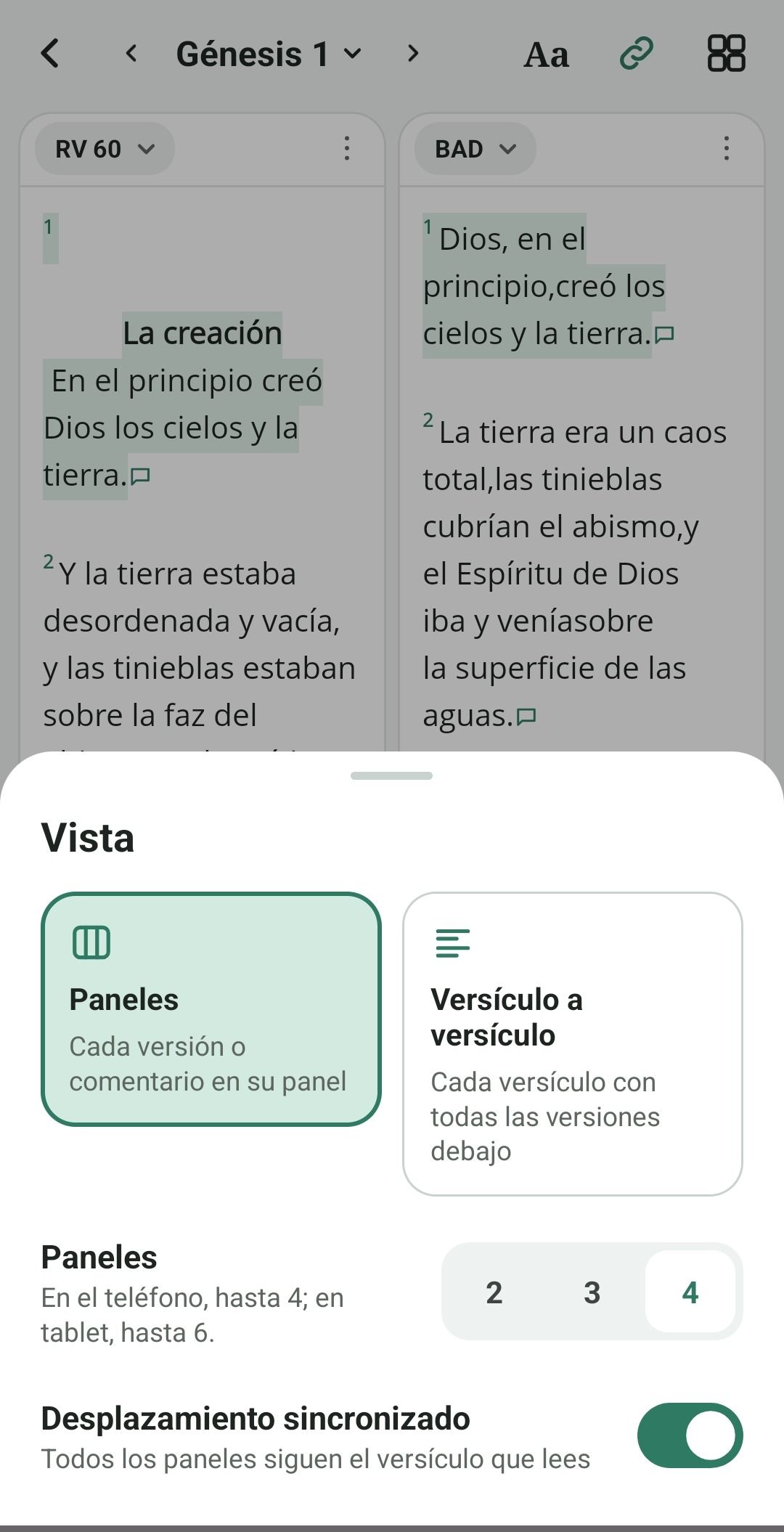
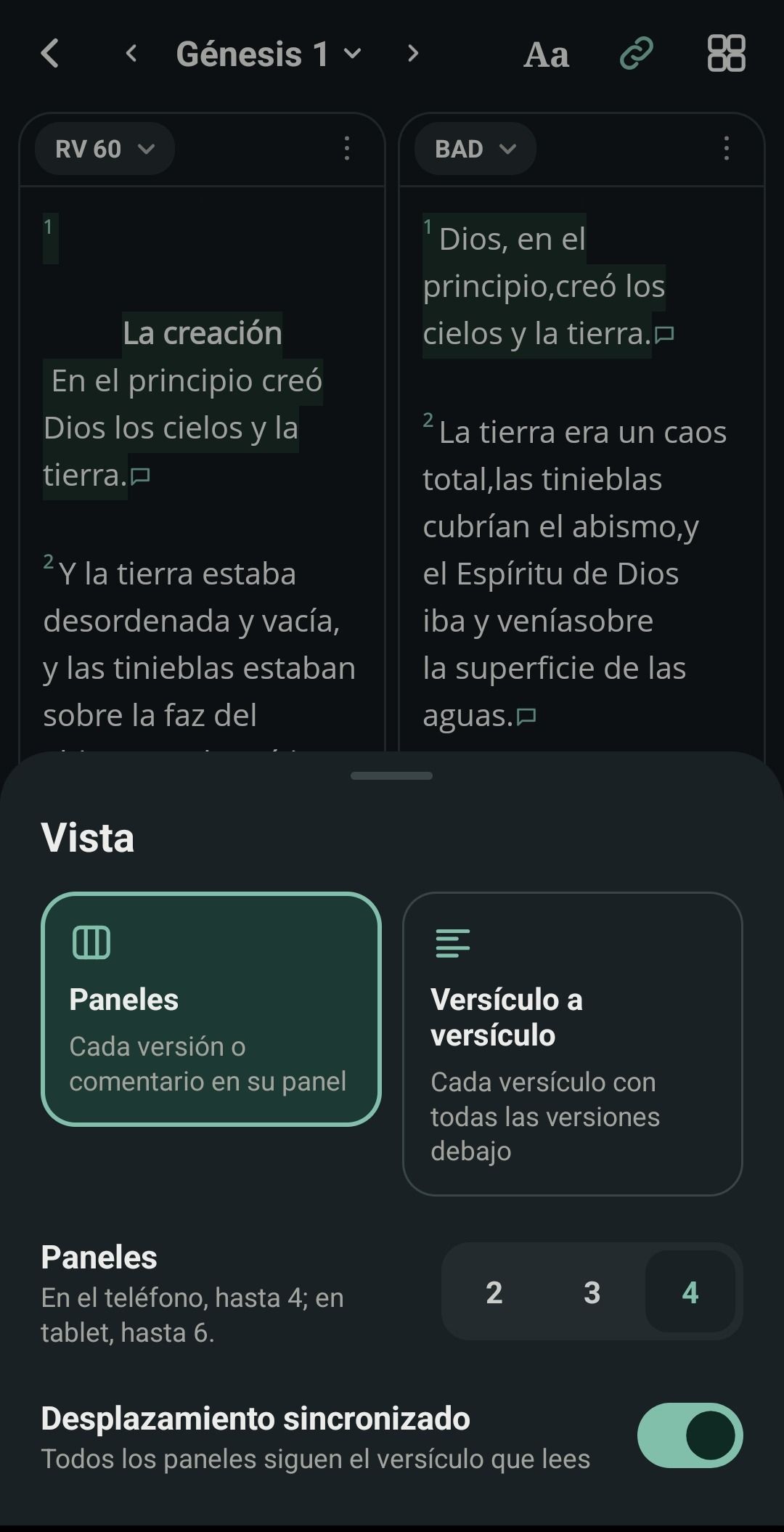
Parallel reading
Open two to four panes on your phone and up to six on a tablet. Mix Bibles and commentaries, and let every pane follow the verse you are reading.
Commentaries and audio
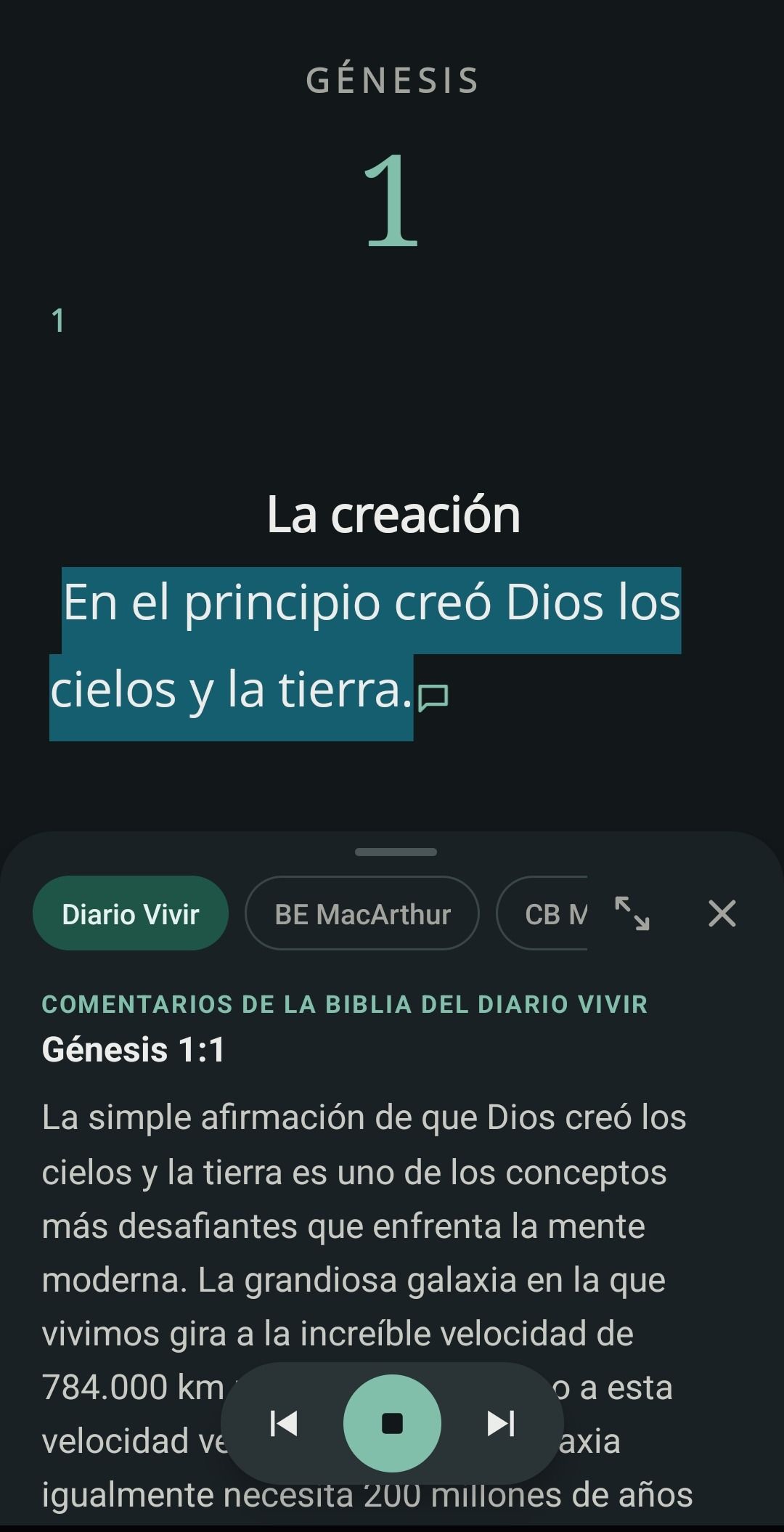
Tap the icon at the end of a verse to read what the classic commentaries say, without leaving the text. Press listen: the reading moves on by itself and lights up every word as you hear it.
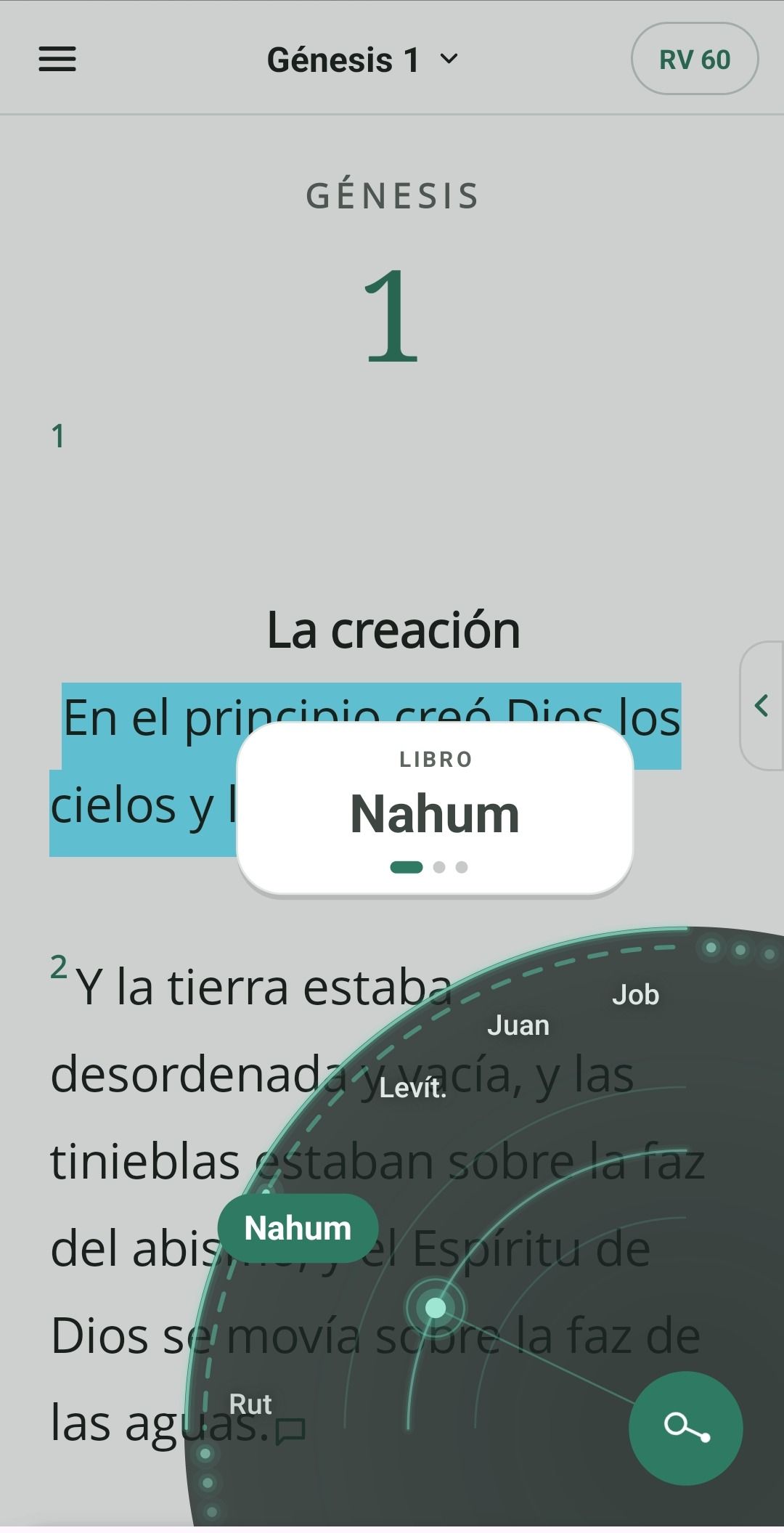
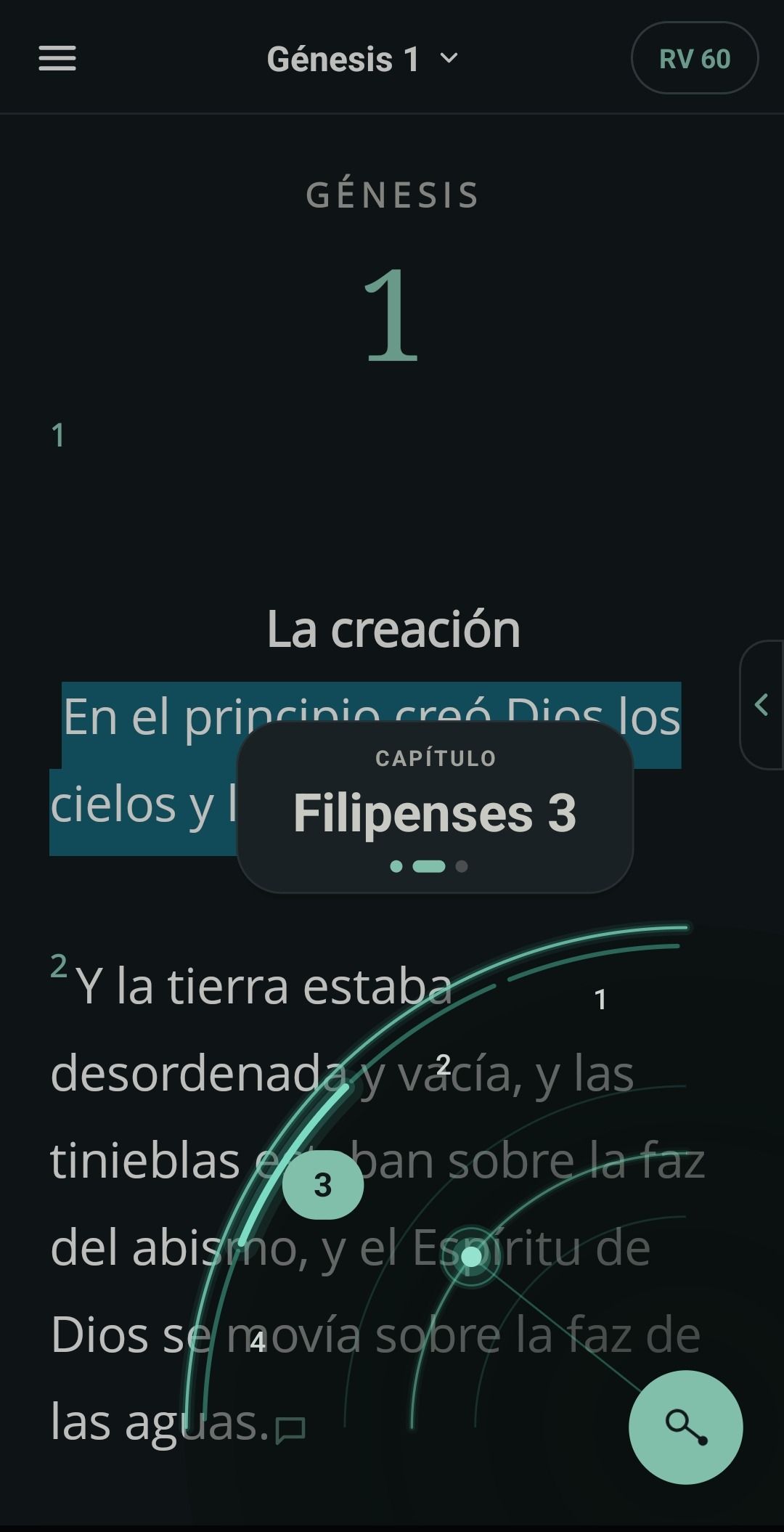
Quick search
Hold the corner button and sweep an arc: pick the book, chapter and verse in a single gesture. You can also search for words in several versions and in the commentaries at once.
On your tablet
A layout made for large screens, in portrait or landscape. Up to six versions and commentaries at once, with the commentaries, the index and the text side by side.
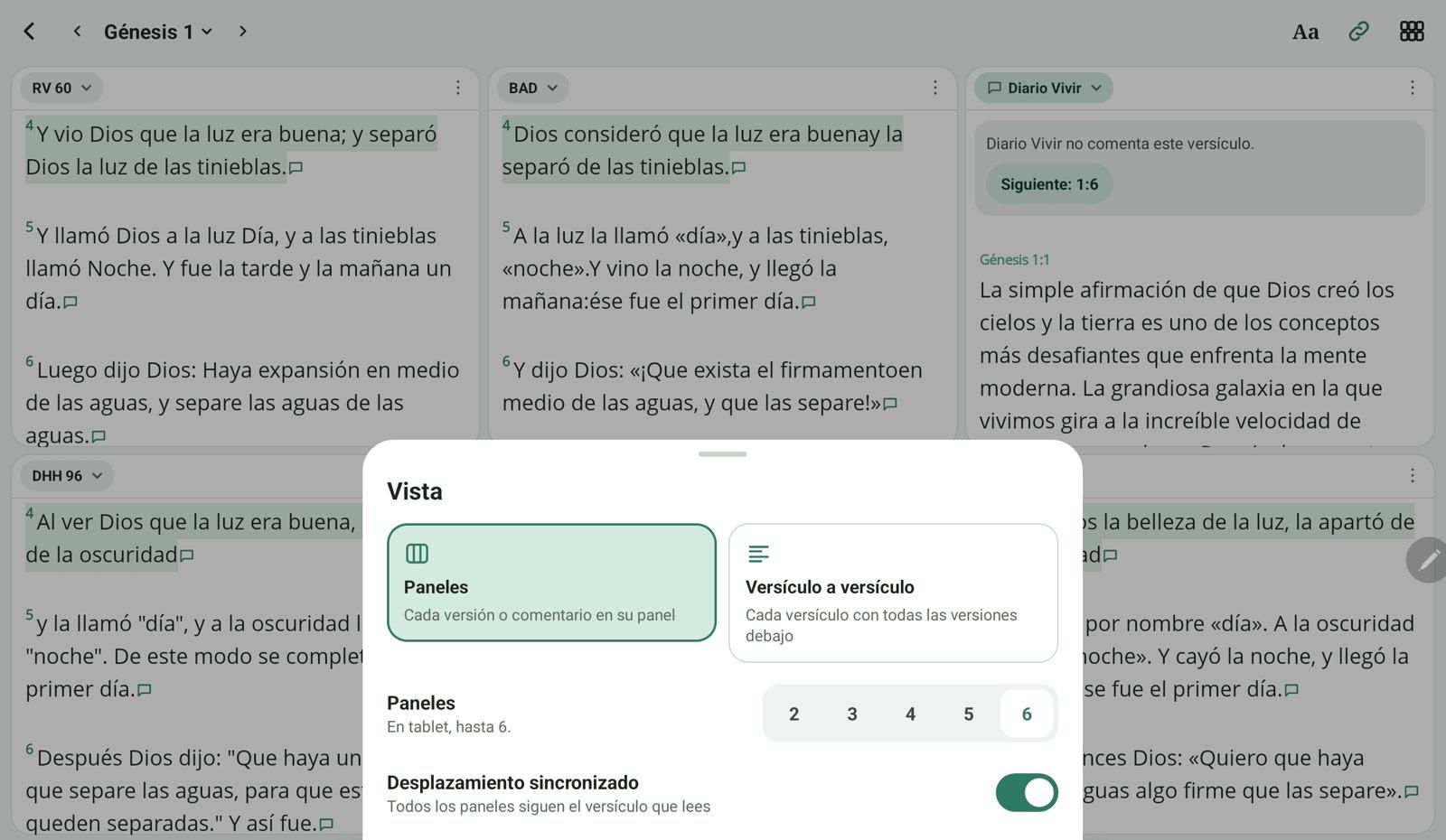
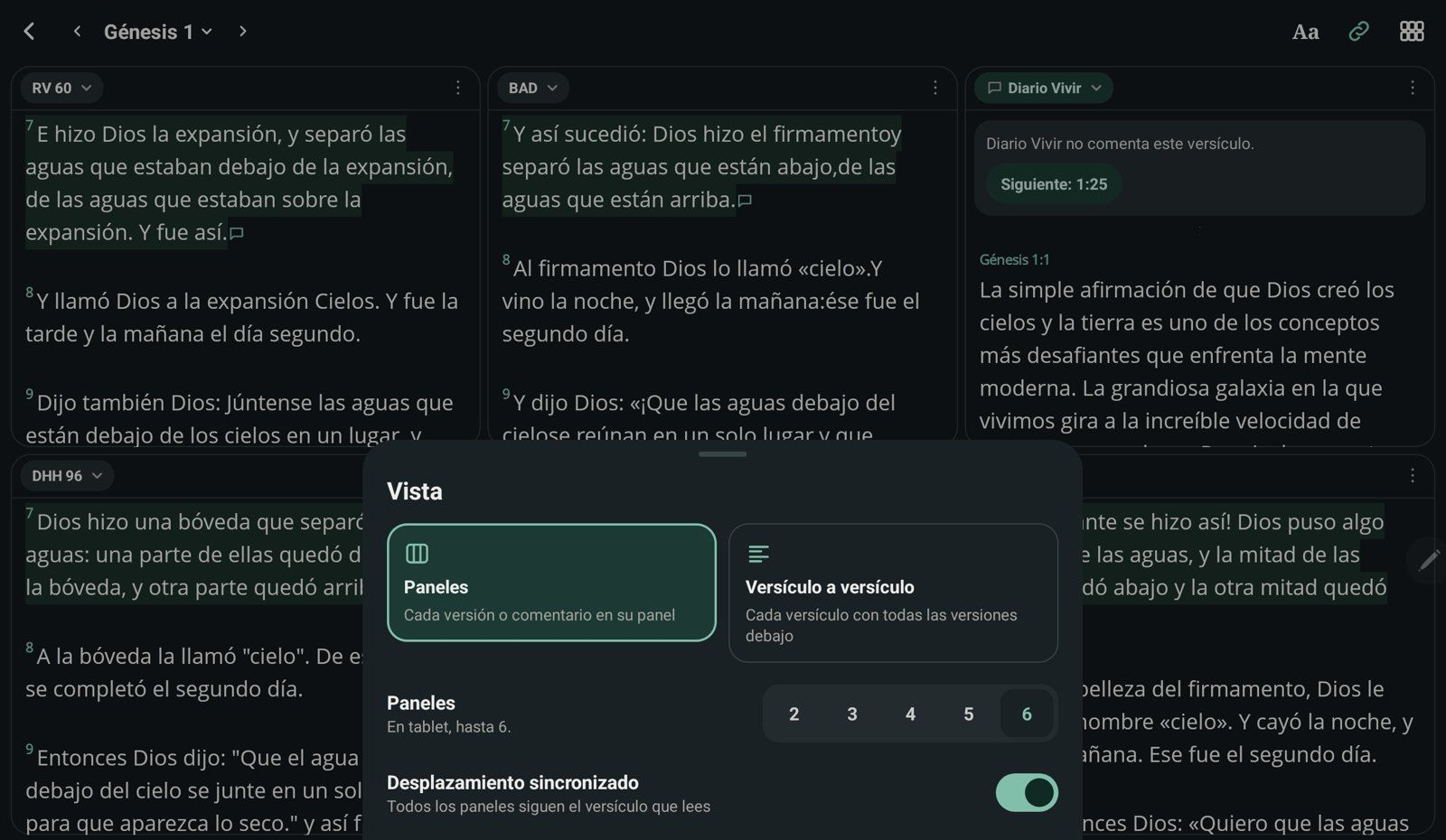
The chapter's list of commentaries, the full text and the quoted passage, all open at the same time.
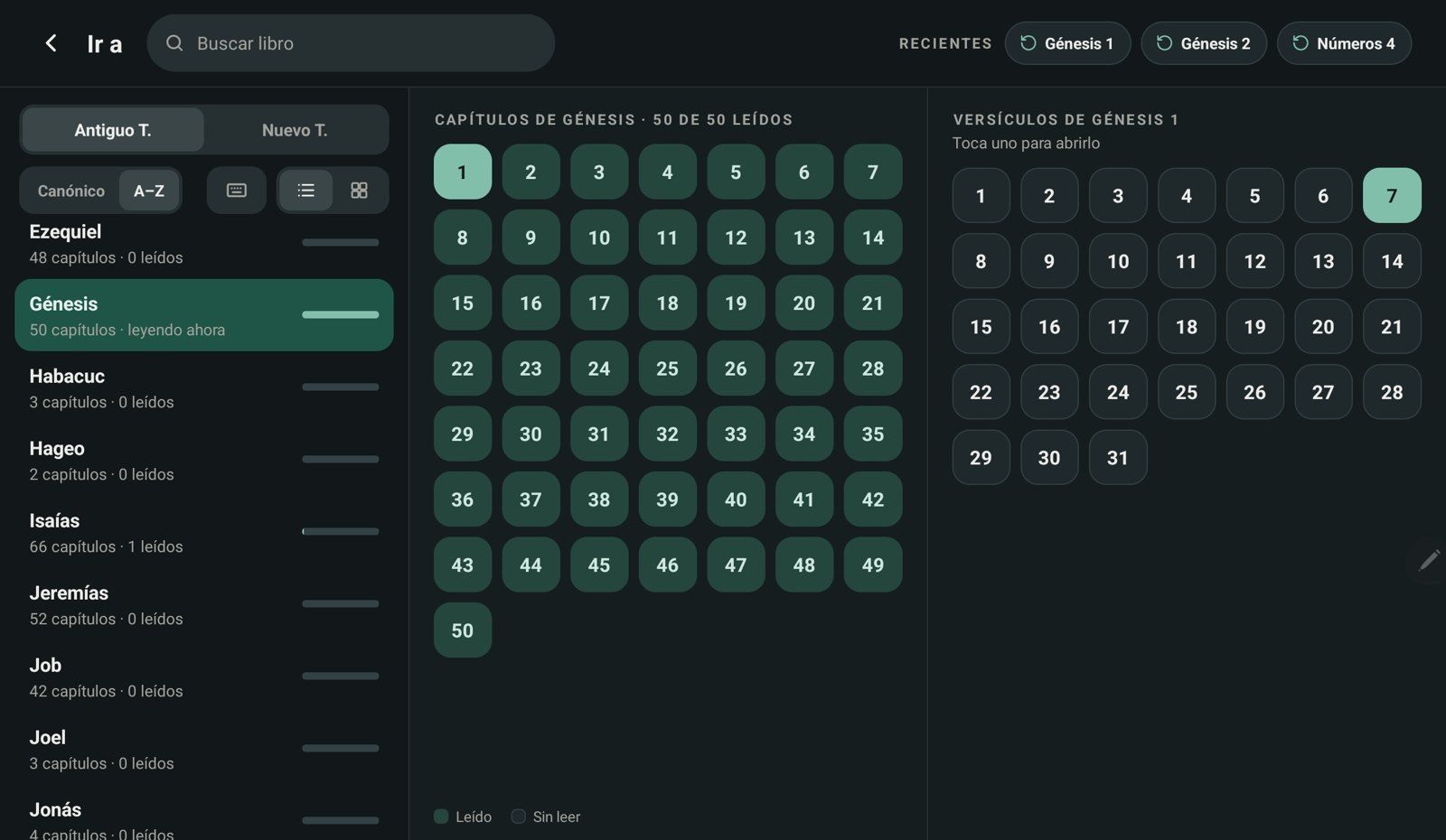
The index shows the books, their chapters and the verses together, with what you have read marked.
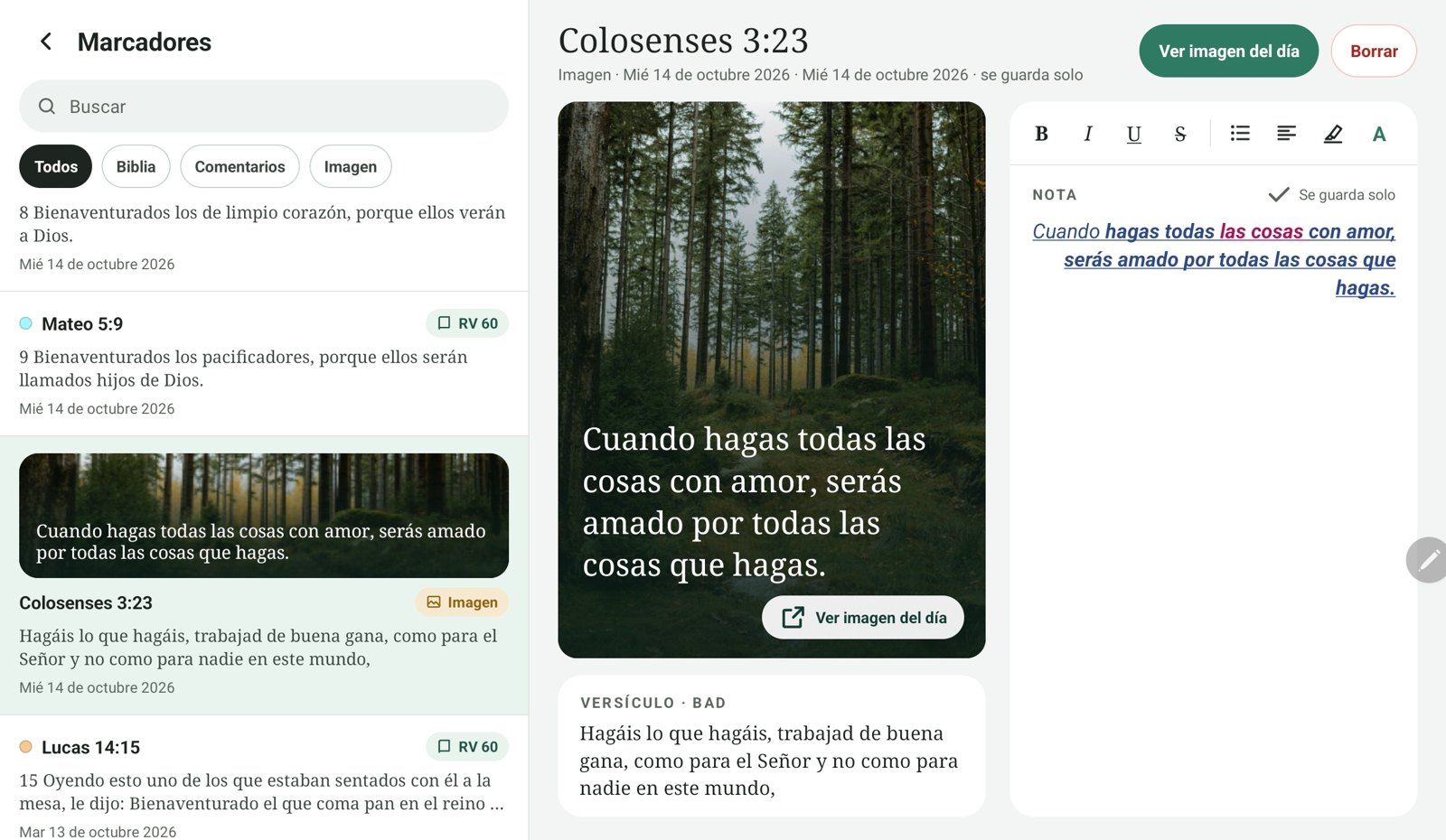
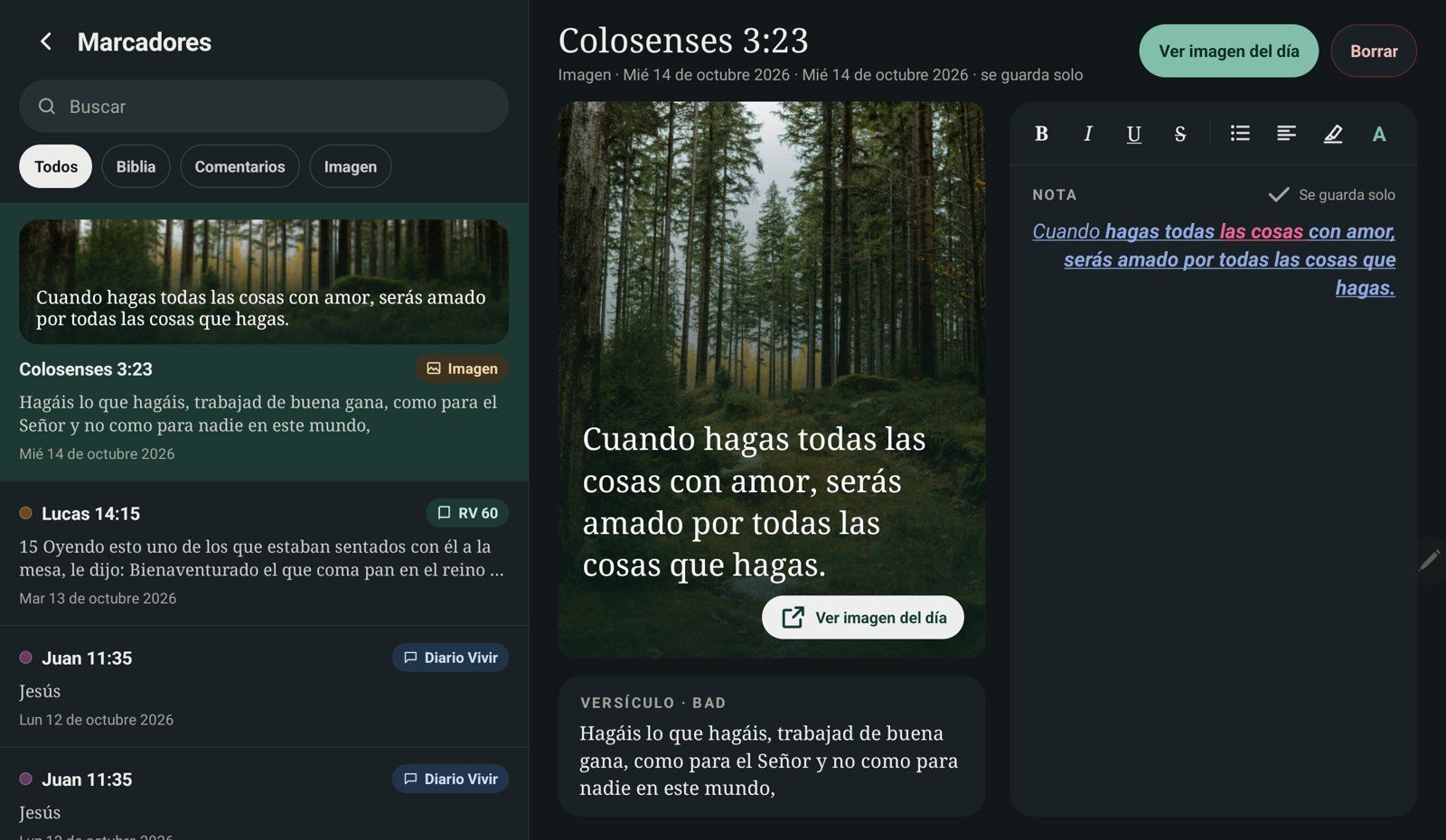
Your list on one side and the open bookmark on the other: write the note with bold, colors and lists, and it saves itself.
Start on your phone, carry on on your tablet. With Google Drive connected, your bookmarks, notes and progress sync across your devices.
Download freeEvery day
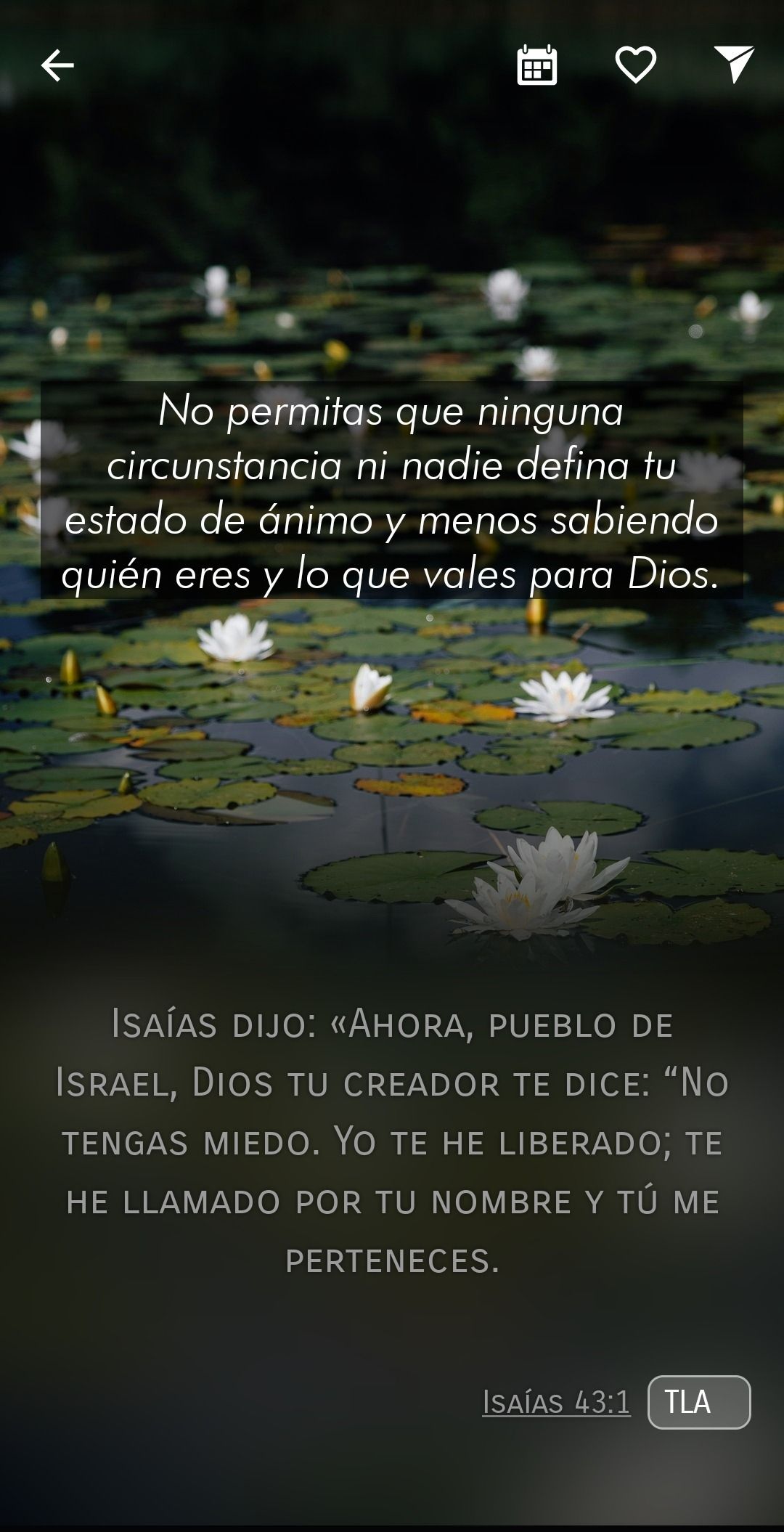
A new photograph every day. Move the phrase, resize it and share it. It comes as a reminder at the time you choose.
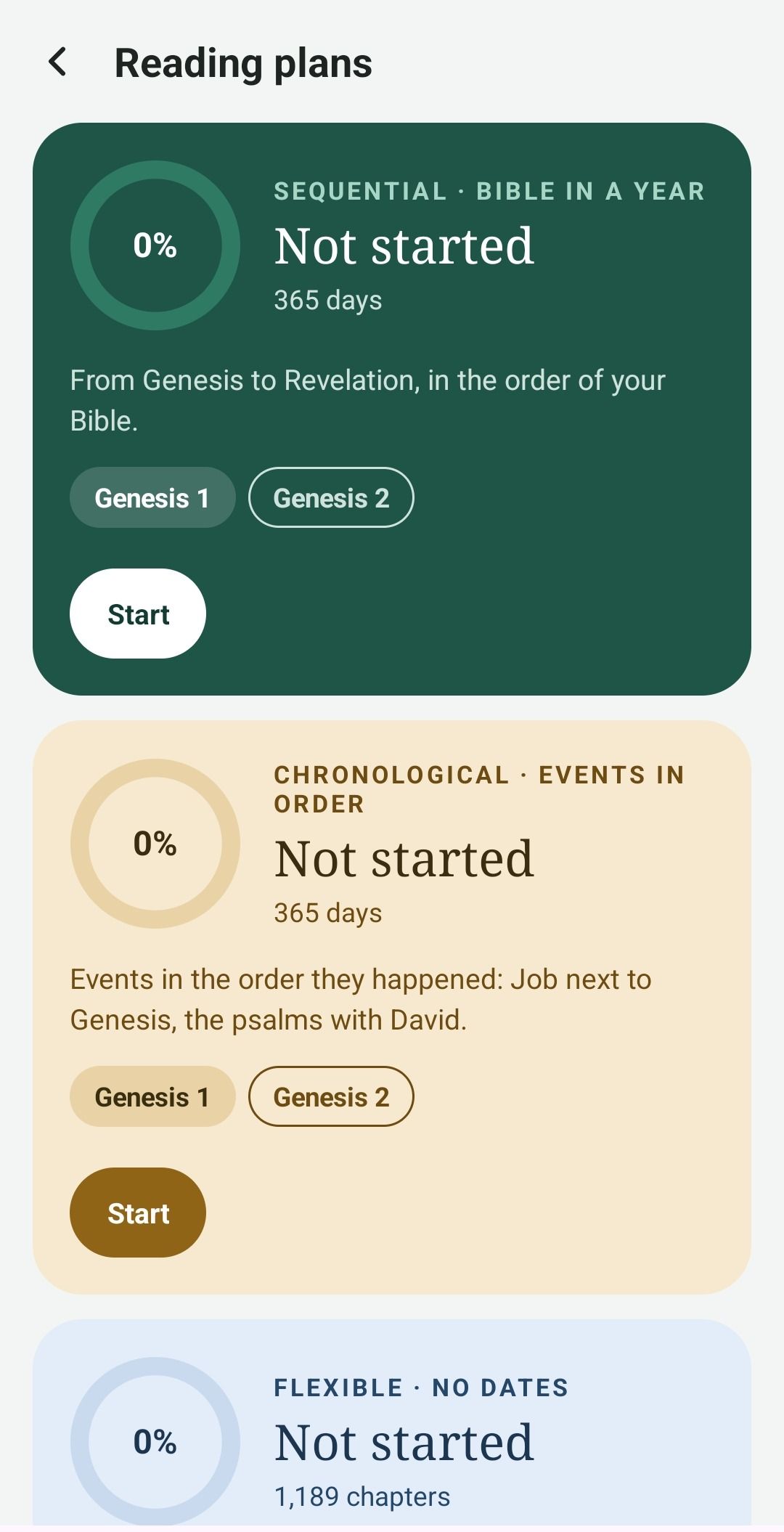
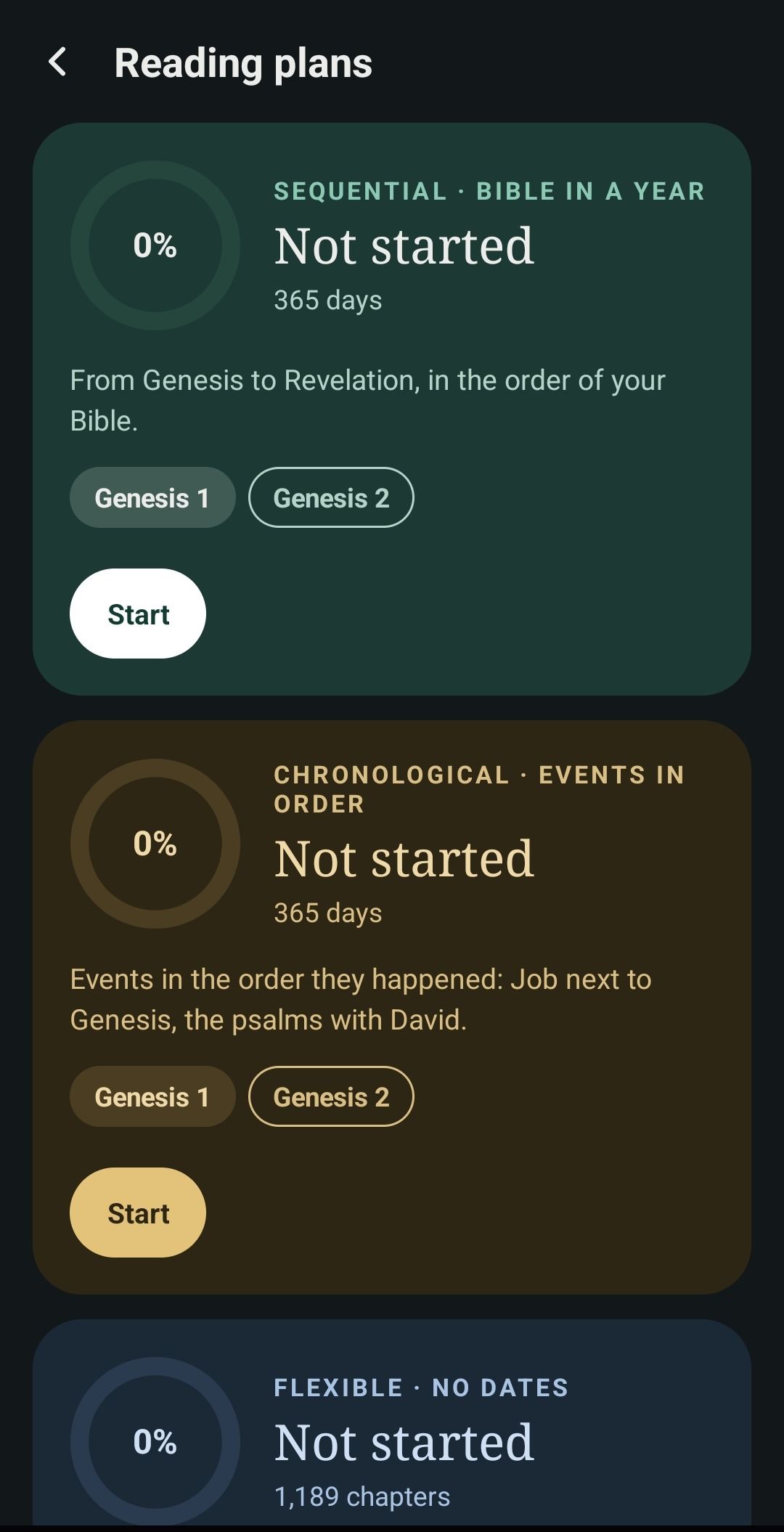
The Bible in a year, in chronological order or at your own pace. The flexible plan waits for you and counts what you read outside it.
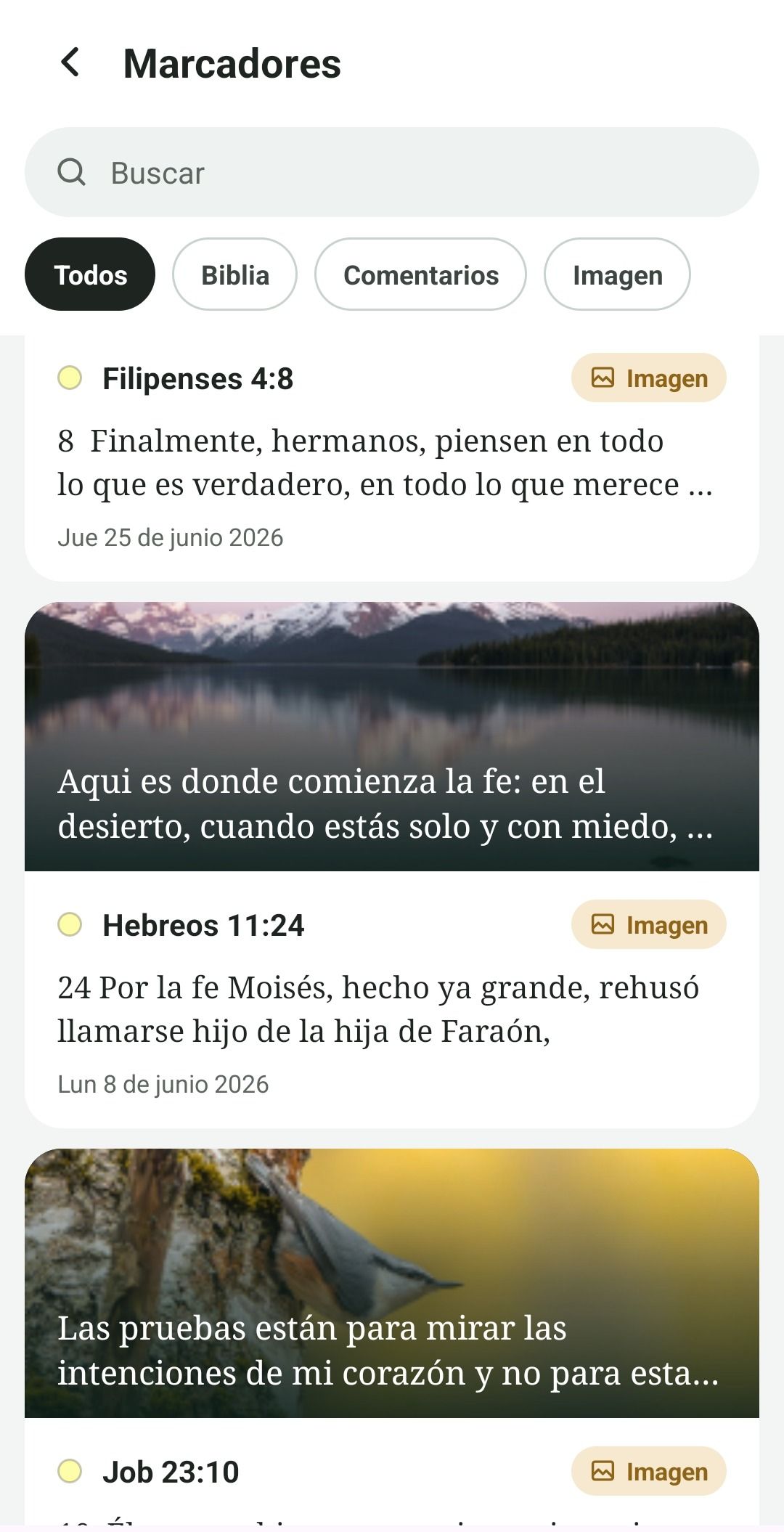
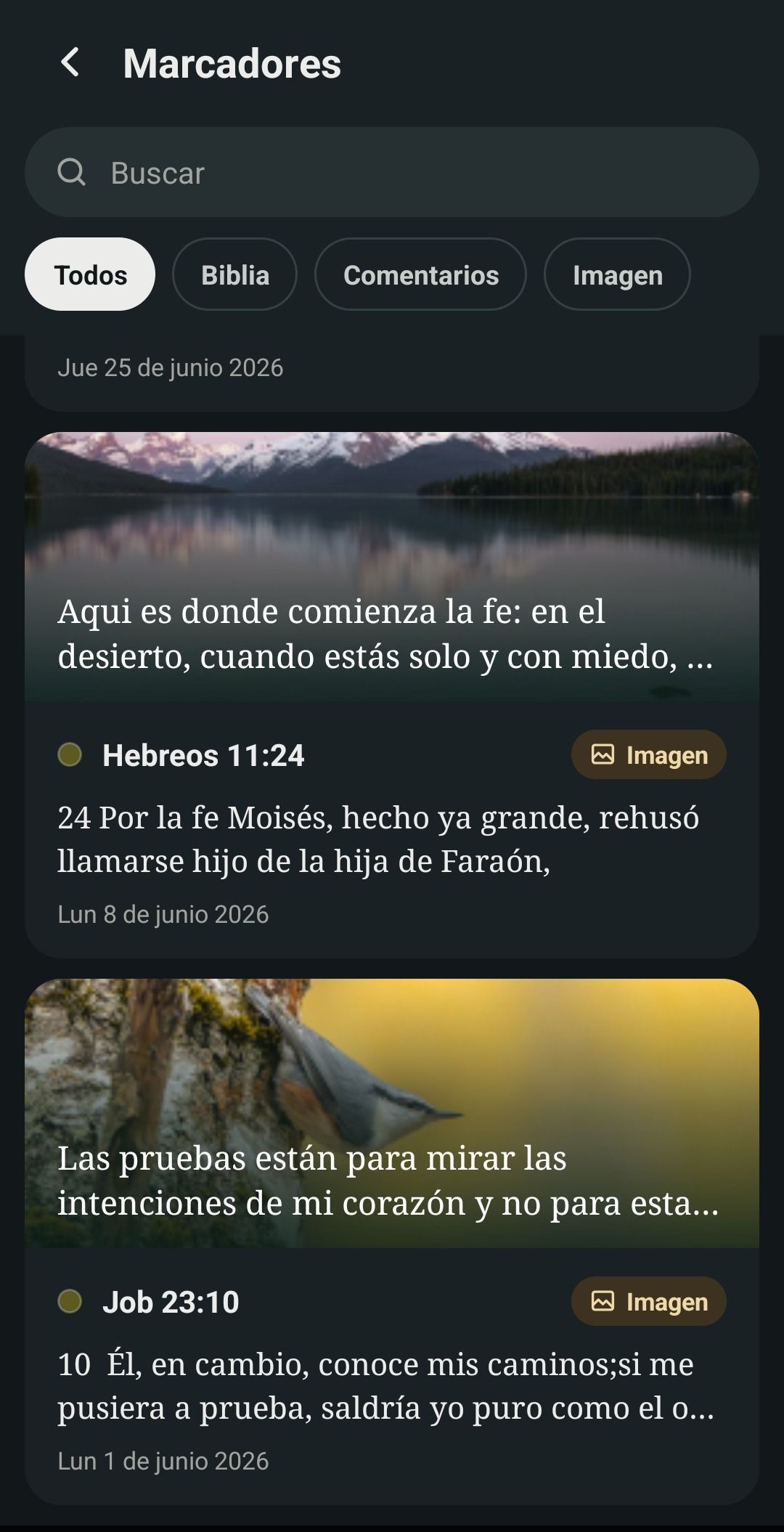
Highlight in 19 colors and write formatted notes. If you like, they are backed up to your Google Drive.
Learn and grow
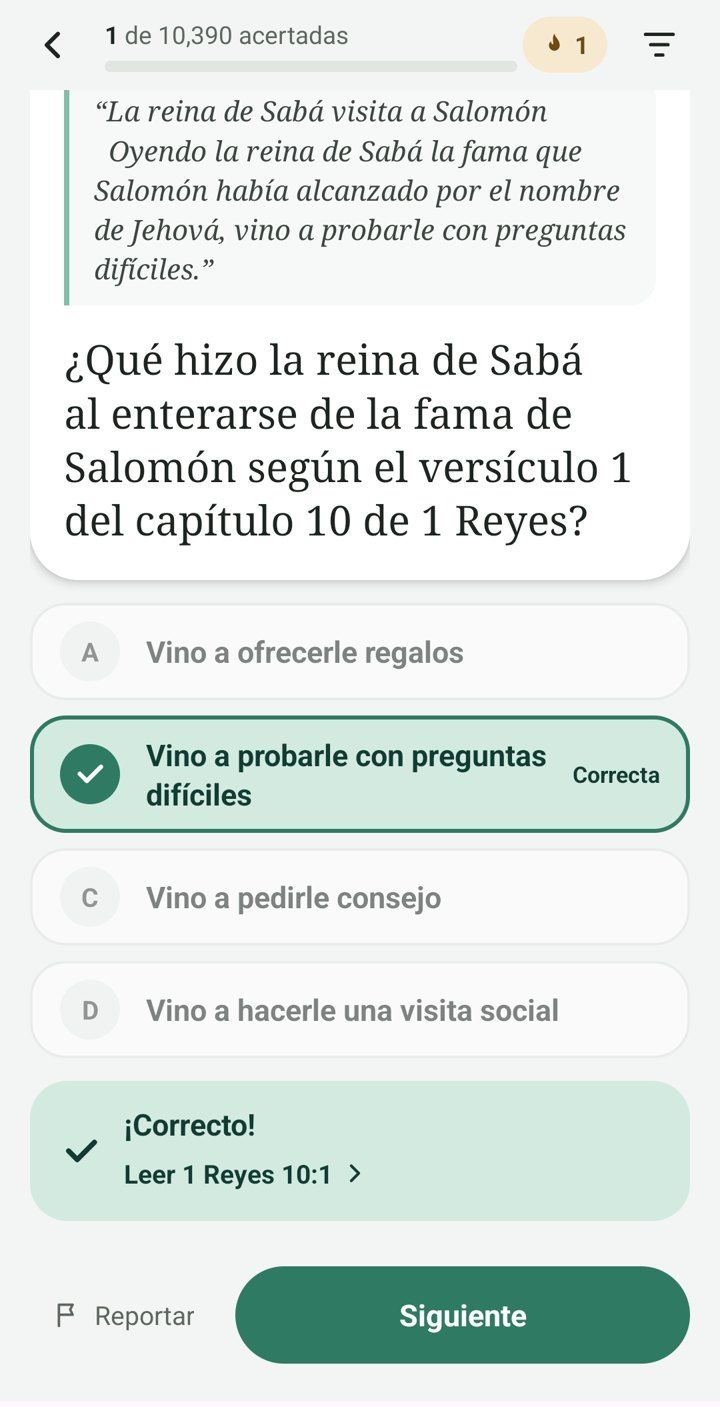
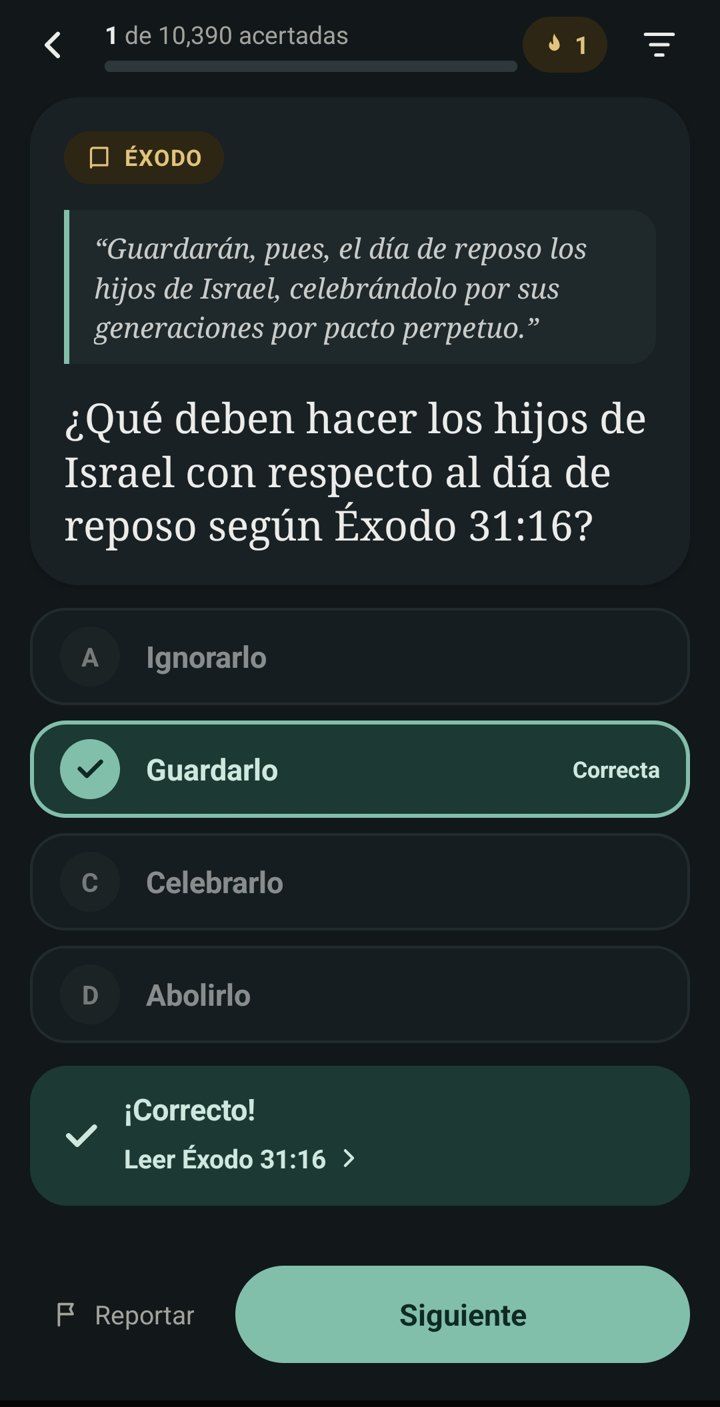
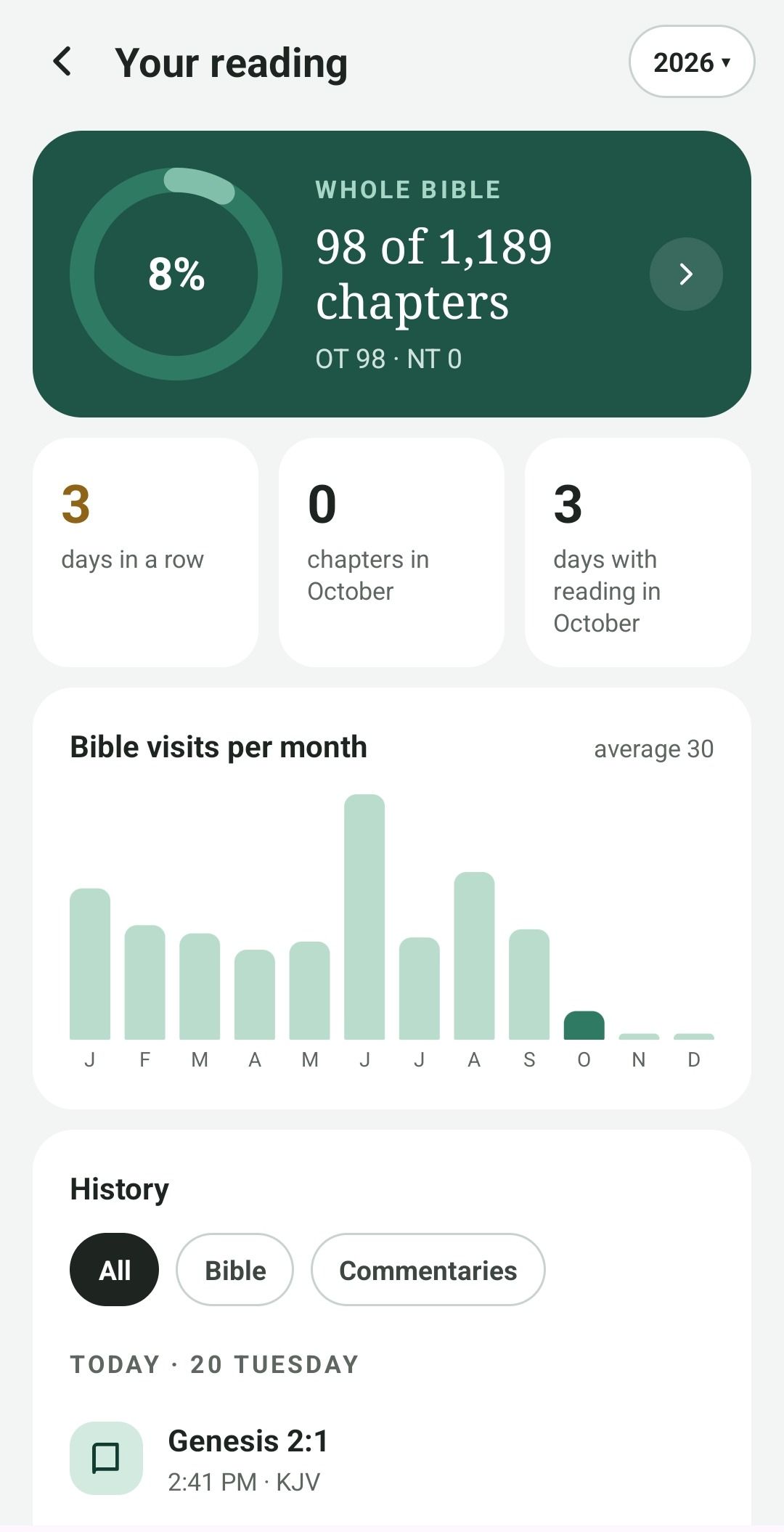
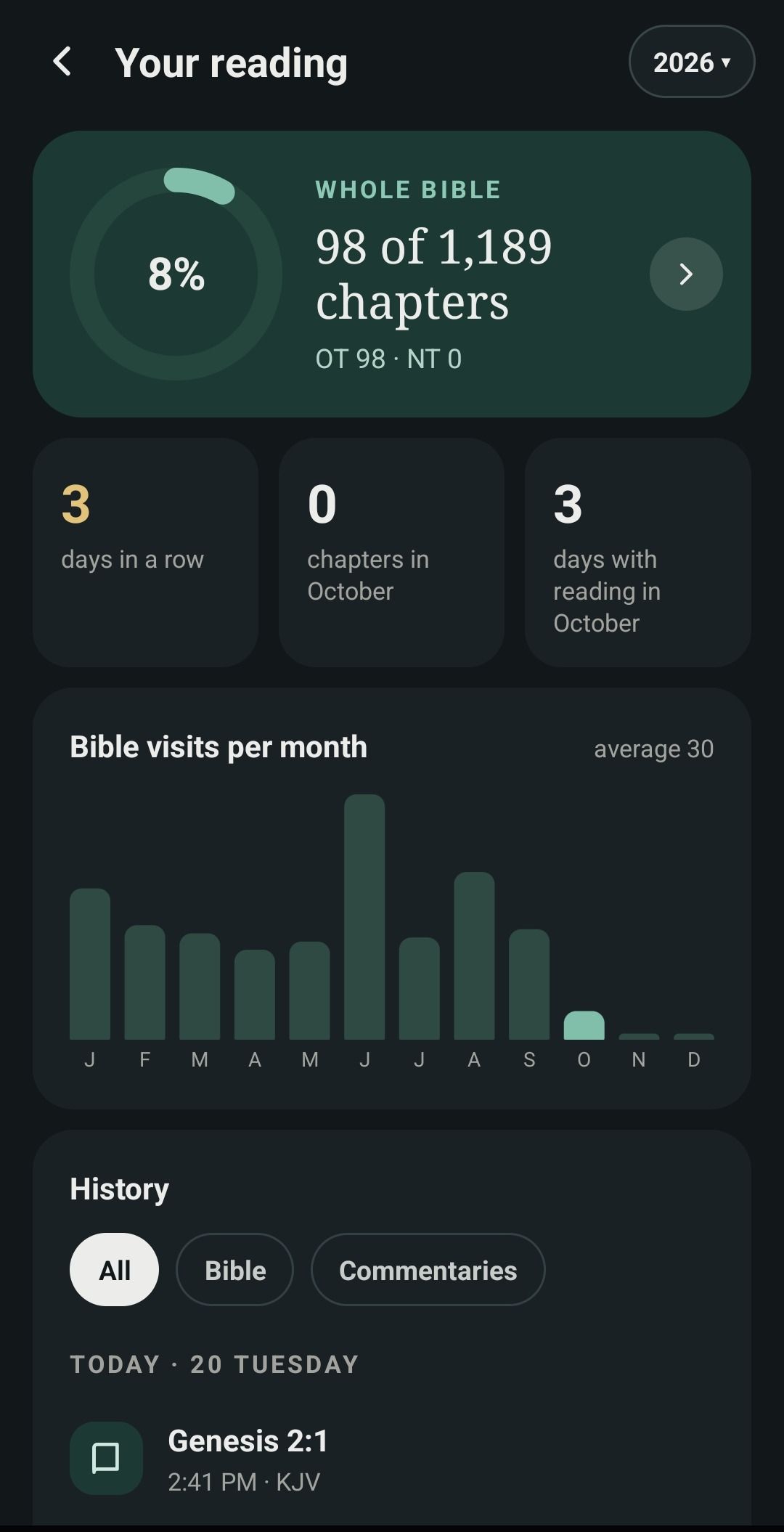
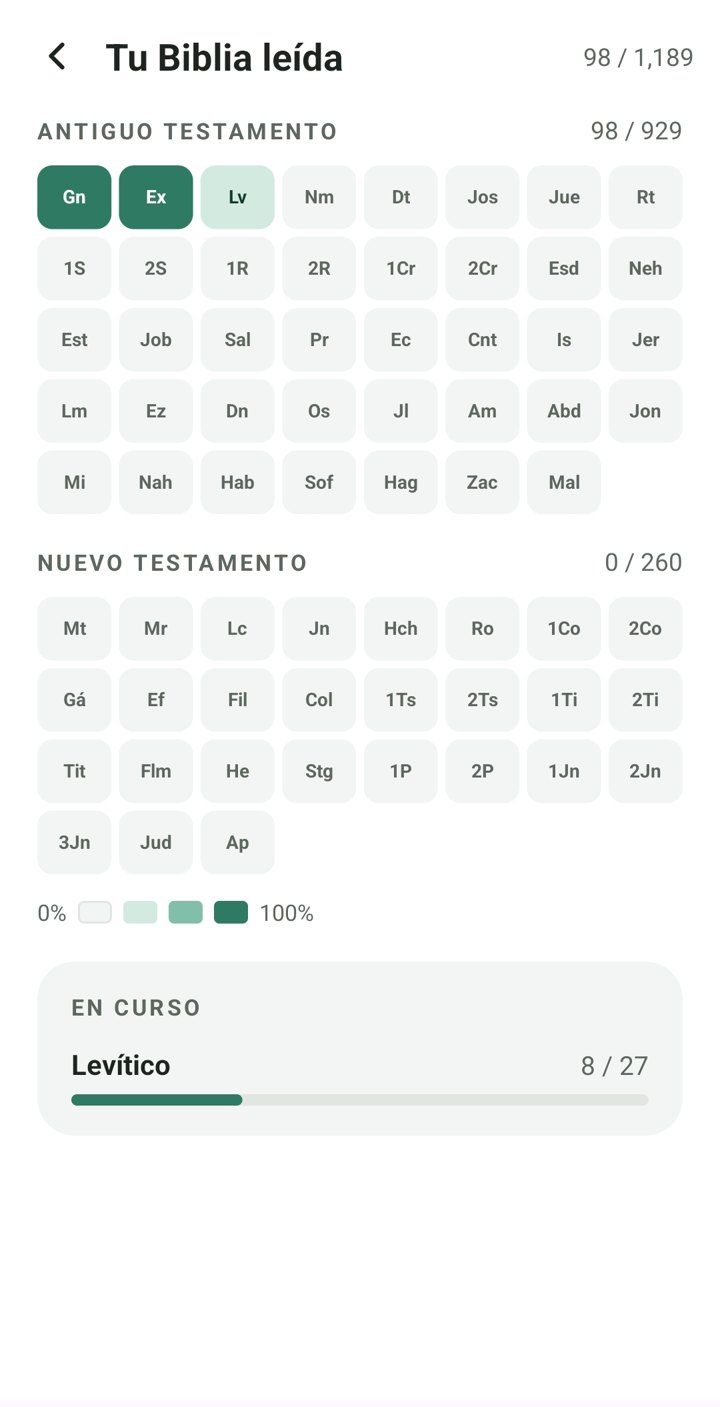
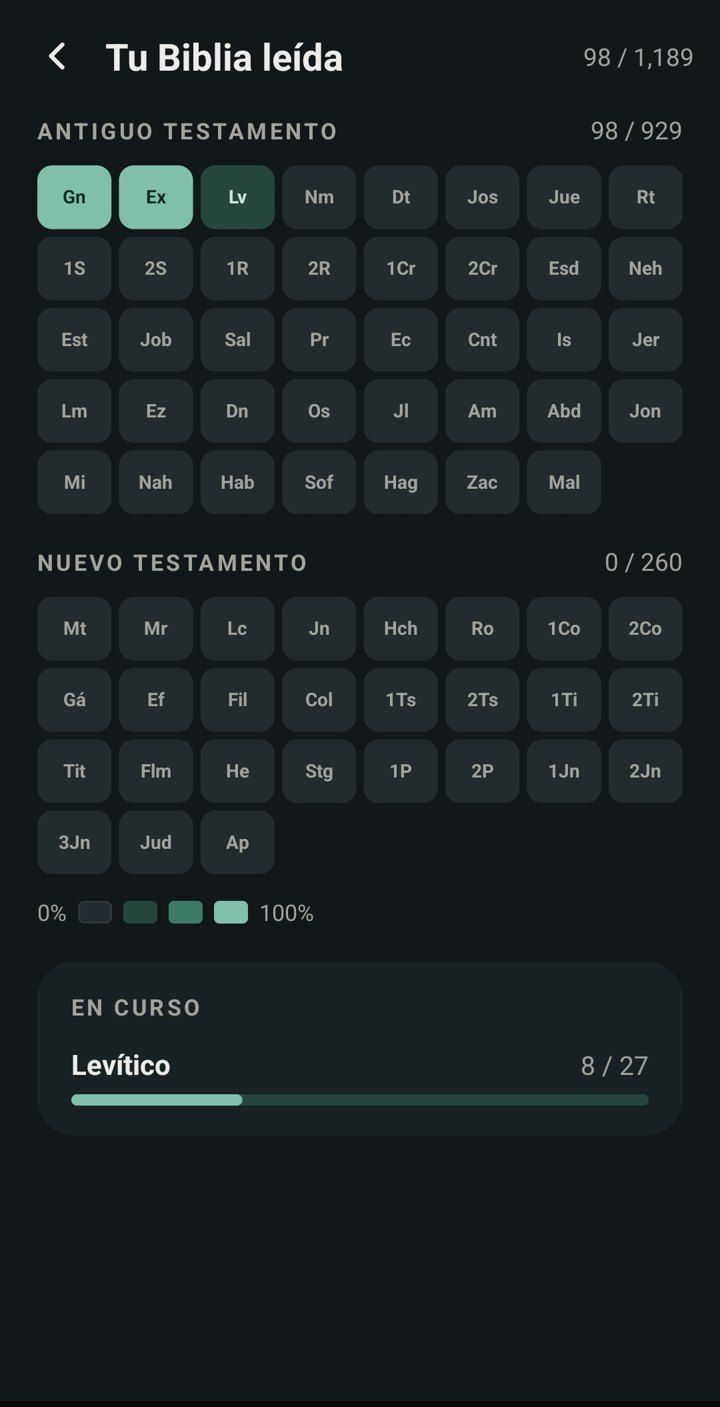
A quiz to test what you read and a history that shows your consistency, day after day.
Yes. No ads, no purchases and no account needed.
Yes. When you install it, the pack for your language is downloaded, and then you read without a connection.
English and Spanish, each with its own Bibles, commentaries, quiz and verse of the day. You can have both and switch whenever you like.
Connect Google Drive and they are backed up on their own, along with your notes and progress. The app can only see the files it creates.
Yes. It has its own layout for large screens and up to six panes in parallel reading.
Or pick any book. Your streak starts with the first chapter.